ILLUSTRATION & VISUAL CULTURE
Print Production for Illustrators: The Final Handoff Checklist
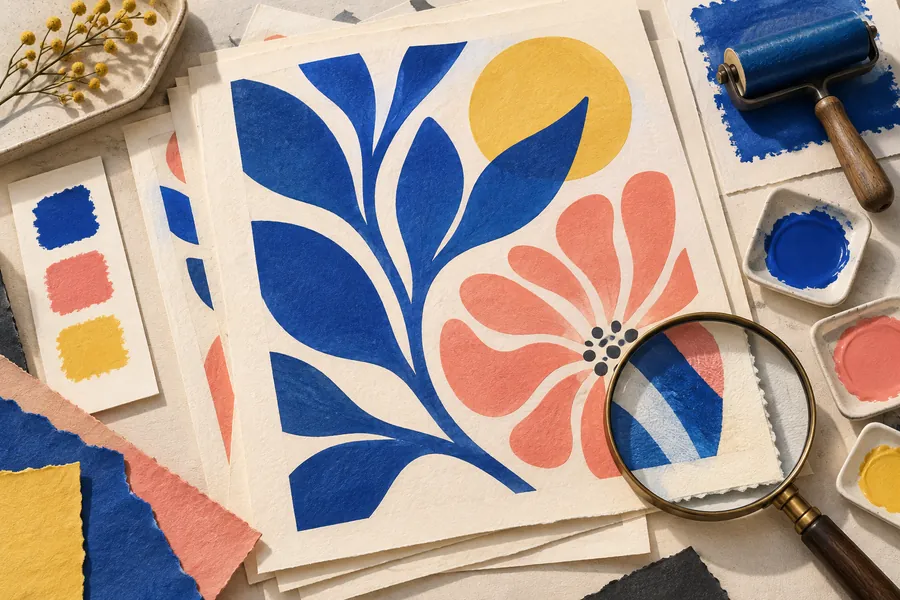
Print production for illustrators starts with a specification, not a universal export preset. A magazine page, a risograph poster and a digitally printed booklet can require different files. The useful habit is to ask what the job needs, build to those requirements and inspect the exact file being delivered.
This checklist expands on the production points in our illustrated magazine-cover guide. It is intended for a conversation with the designer and printer, whose instructions should govern the final delivery.
Get the specification in writing
Ask for the finished dimensions, orientation, required bleed, safe area, color workflow and delivery format. Confirm whether the artwork occupies a single page, a spread or a separate insert. A spread introduces a center area where composition needs particular attention.
Also ask who adds typography, printer’s marks and any special-finish layers. If the publication designer adds the headline, the illustrator should not flatten an unapproved headline into the artwork. Record the final delivery date, time zone and approval contact in the same place as the specification. Our editorial brief template can hold those details.
Separate trim, bleed and safe content
The trim is the intended finished edge. Bleed extends artwork beyond that edge so that trimming does not expose an unintended white sliver. Adobe’s guide to marks and bleed explains these production controls. Use the amount requested by the printer rather than treating a familiar number as universal.
Check that background shapes actually continue into the bleed area; merely entering a bleed value does not extend the drawing. Keep essential faces, text and fine details away from the cut according to the agreed safe area. Where a composition relies on a narrow border, show the printer a proof and discuss whether small trimming variation will make it look uneven.
Check placed images at their final size
A raster texture that looks crisp in a small sketch may not hold up when enlarged. Review placed images at the intended output dimensions, and use the resolution requested for the job. Increasing a resolution field alone does not recover detail that was absent from the original.
Keep the source artwork available until approval. Check that linked images are present and current, especially when files have moved between computers. If the artwork contains scanned paper, inspect the edges and pale areas for unintended boxes. Print a small working proof when possible to assess scale and composition; treat it as a layout check unless it is part of an agreed color-proofing process.
Agree on color before conversion
Ask which color spaces and profiles the printer accepts, and who is responsible for conversion. Some workflows accept tagged RGB images; others request prepared CMYK files or separate spot colors. A generic instruction to convert everything to CMYK leaves the destination conditions unanswered.
Adobe’s PDF options documentation describes export controls for compression, marks, color conversion and output. Use the supplied preset or agreed settings, then confirm exceptions with the production team. For important colors, establish what proof will be reviewed and approved. A bright screen preview alone cannot promise the appearance of ink on the chosen paper.
Inspect the exported PDF, not only the source
Close the export dialog and open the resulting file. Check its dimensions and page count, then examine all edges and any text. Zoom in on thin lines, transparency effects and small raster elements. Review the file at actual reading size as well as enlarged: technical sharpness and comfortable readability are different questions.
- Is this the approved artwork version, with the correct orientation?
- Are bleed and marks included exactly as requested?
- Have fonts, placed images or effects changed during export?
- Are there accidental hidden objects or outdated text?
- Does the file open independently of the working folder?
Send a package that is easy to identify
Use a clear filename containing the project, item and version. Supply the print file, a labeled reference preview and a short note identifying the settings or supplied preset. Include editable sources only when agreed, and check permissions before sharing third-party font files.
Keep superseded versions out of the final folder. When a last-minute correction arrives, increment the version and say what changed. A concise handoff message should identify the approved file and any remaining question; it should not leave the printer to choose between several documents called “final.”